

Update profile picture
Your profile picture helps your team recognize you in Operately. You can easily update it from your profile settings.
How to update your profile picture#
Section titled “How to update your profile picture#”- Click on your avatar or initials in the top-right corner of the screen.
- Select Profile from the dropdown menu.
- Click the Edit link to the right of your current profile picture (or initials).
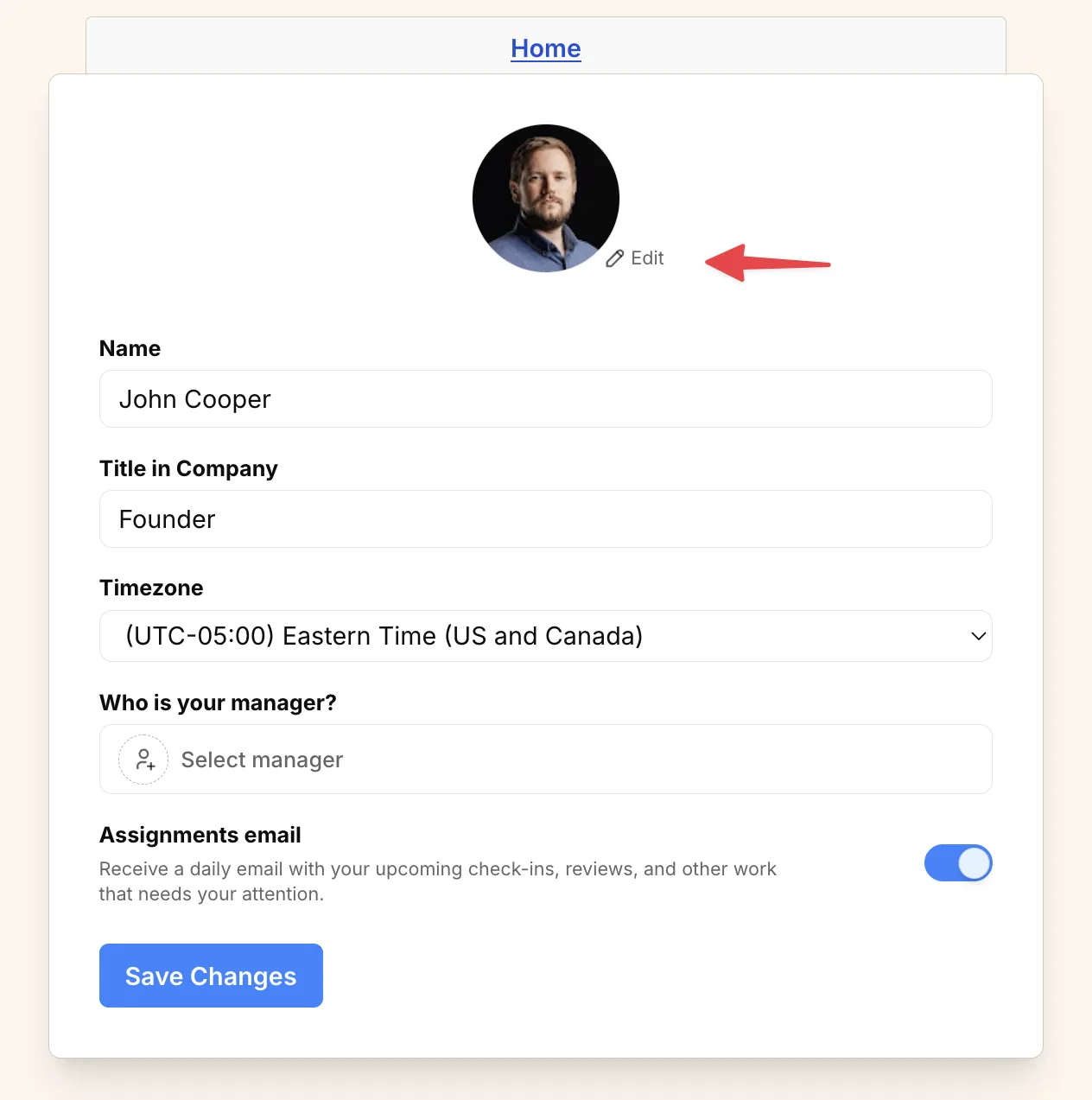
- Select a new picture.
- Click Save Changes.