

Subscriptions
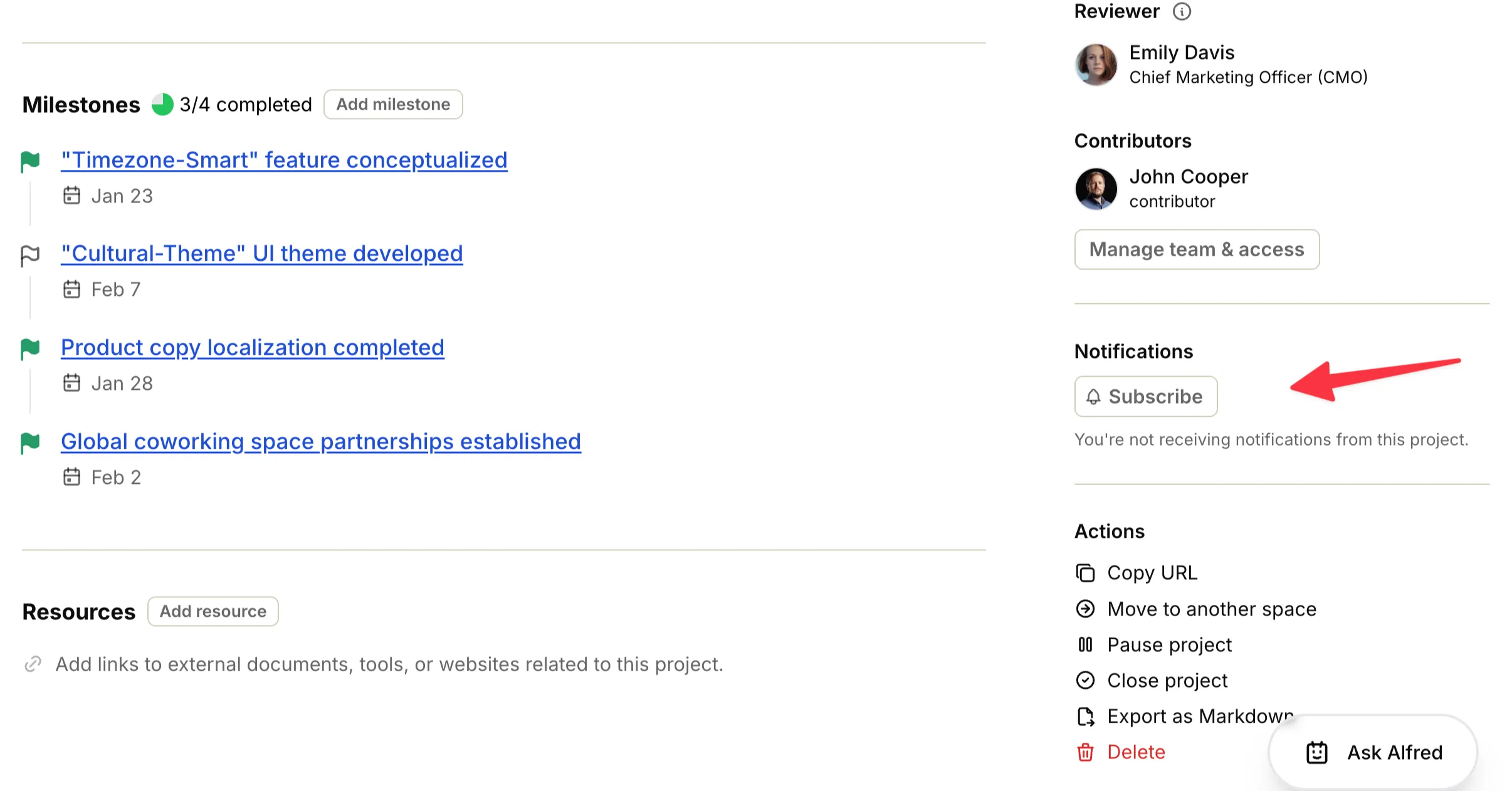
You can subscribe to any project, milestone, or task to receive notifications whenever updates occur. This allows you to stay informed about progress and changes without needing to constantly check the resource.
How to subscribe#
Section titled “How to subscribe#”- Open the project, milestone, or task you want to follow.
- In the task or resource sidebar, find the subscription section labeled Subscribers.
- Click Subscribe me to follow updates yourself.
- To stop following, click Unsubscribe me.
Automatic subscriptions#
Section titled “Automatic subscriptions#”In some cases, you are automatically subscribed to a resource to ensure you don’t miss important updates relevant to you.
You are automatically subscribed when:
- Projects: You become a contributor to the project.
- Milestones: You are mentioned in the milestone’s comments.
- Tasks: You are assigned the task or mentioned in its comments.