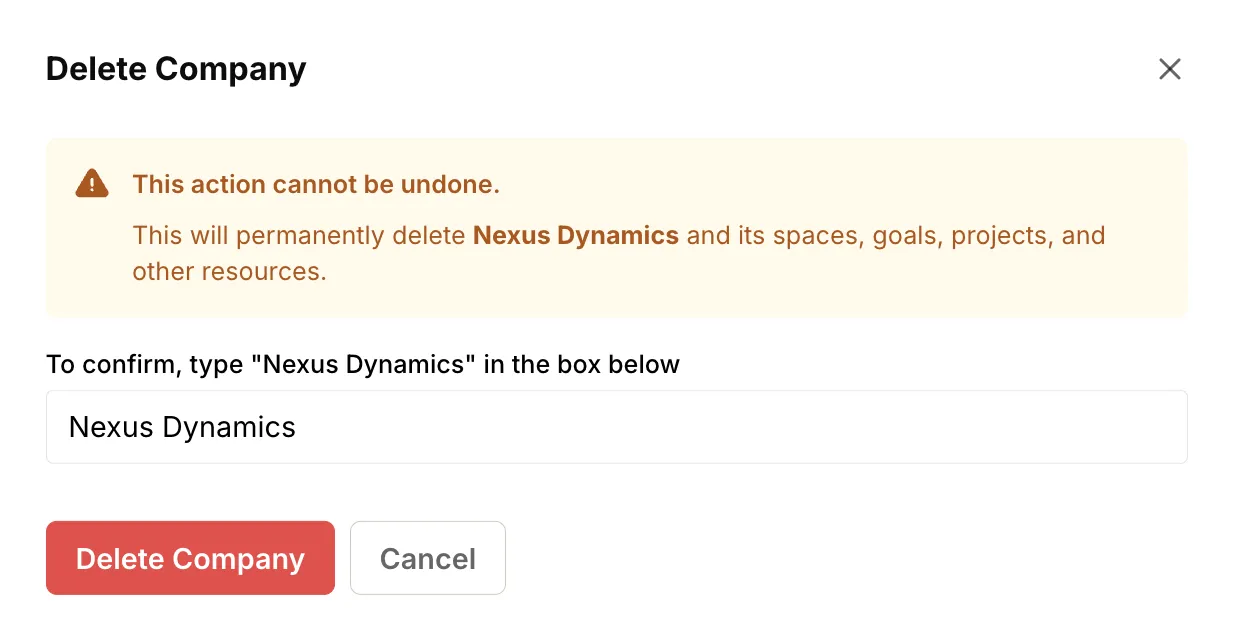
Delete company
Deleting a company is a permanent action that cannot be undone. It removes the company and all associated data, including spaces, projects, goals, tasks, and discussions.
How to delete a company#
Section titled “How to delete a company#”- Click on your company name in the top navigation bar to open the company menu.
- Select Company Admin from the dropdown menu.
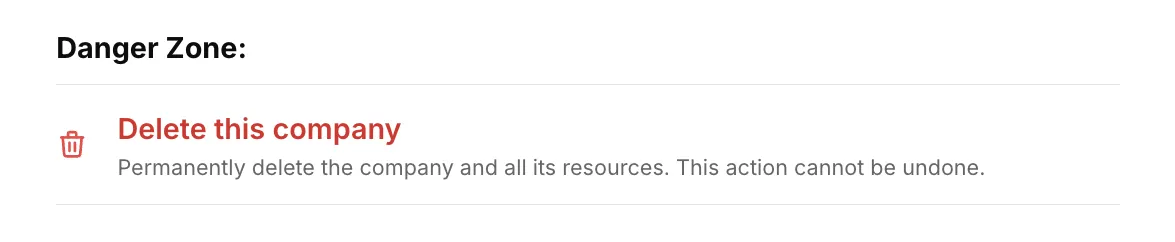
- Scroll down to the Danger Zone section.
- Click Delete this company.
- Read the warning message carefully to ensure you understand the consequences.
- Enter the name of the company in the confirmation field.
- Click the Delete company button to confirm.