

Log in
Logging in to Operately takes just a few seconds whether you’re using your Google account or email/password. Here’s how to get back to your work quickly.
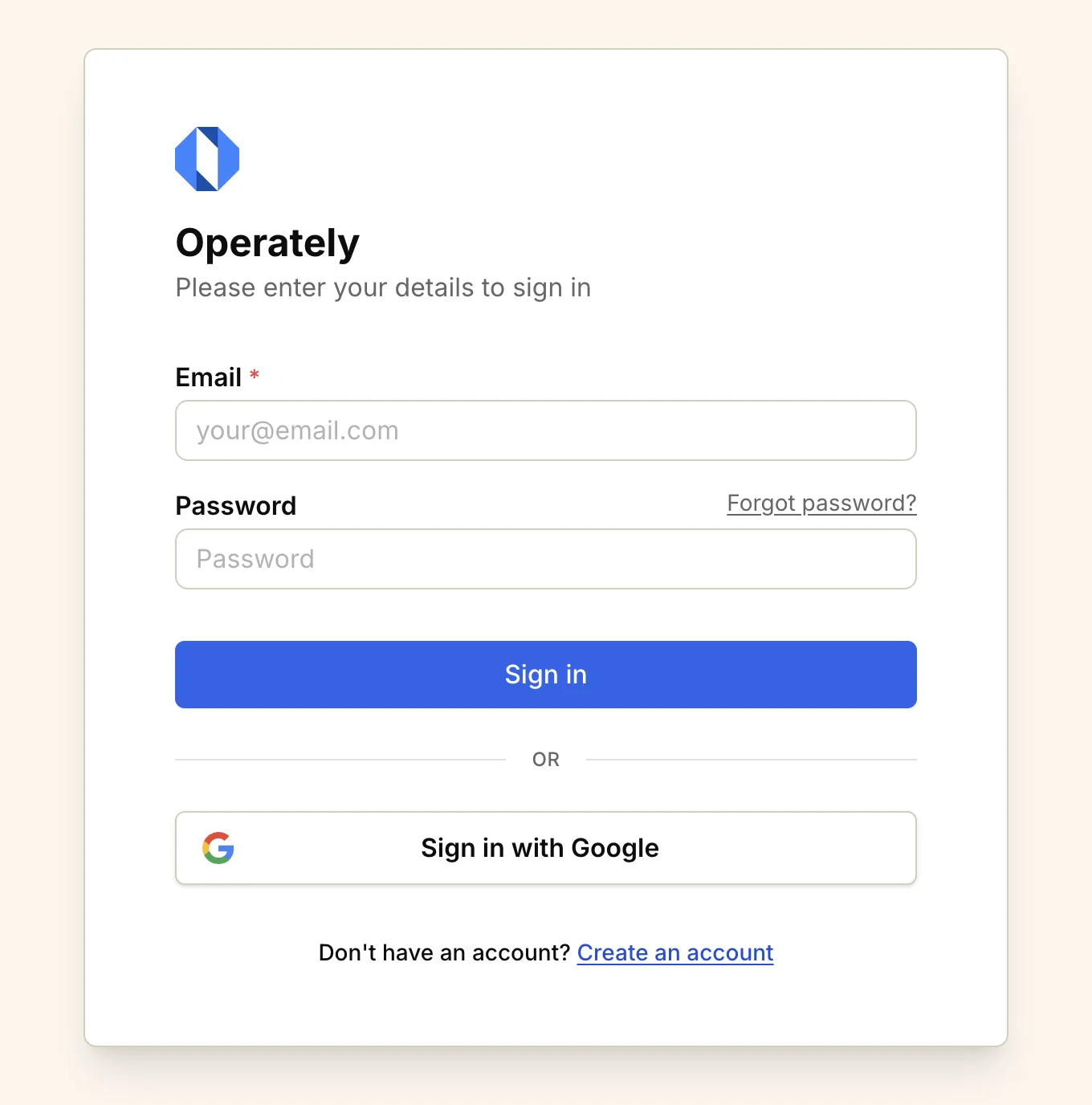
Log in to Operately Cloud#
Section titled “Log in to Operately Cloud#”To log in to Operately Cloud:
-
Visit app.operately.com/log_in or click the “Log in” button on the Operately website.
-
Choose your login method:
-
Log in with Google: Click the “Sign in with Google” button if you created your account using Google. Select your Google account from the options that appear and you’ll be automatically signed in.
-
Log in with email: Click the “Log in with email” button if you created your account using your email address.
-
If logging in with email:#
Section titled “If logging in with email:#”-
Enter the email address you used to create your account.
-
Enter your password.
-
Click Continue to access your account.
Log in to self-hosted Operately#
Section titled “Log in to self-hosted Operately#”If your organization is self-hosting Operately:
-
Navigate to your organization’s Operately instance URL.
-
Enter your email address and password.
-
Click Continue to access your account.
Trouble logging in?#
Section titled “Trouble logging in?#”If you’re having trouble accessing your account:
-
Forgot your password? Click the “Forgot password?” link on the login screen and follow the instructions to reset it.
-
Not receiving emails? Check your spam or junk folder for emails from
[email protected]. -
Browser issues? Try clearing your browser cache or using an incognito/private browsing window.
-
Still having trouble? Contact your organization’s Operately administrator or Operately team for assistance.
After logging in#
Section titled “After logging in#”Once you’ve successfully logged in, you’ll be taken to your organization’s home page where you can:
- See recent activity across your spaces
- Access your spaces, goals, and projects
- Continue working on your documents
- View and respond to notifications
If you belong to multiple organizations, you’ll need to select which organization to access after logging in.