

Disable daily assignments email
Operately sends a daily email digest summarizing your assigned tasks and updates. If you prefer not to receive these emails, you can disable them in your profile settings.
How to disable the daily assignments email#
- Click on your avatar or initials in the top-right corner of the screen.
- Select Profile from the dropdown menu.
- Toggle the Assignments email switch to the Off position to disable the emails (or On to enable them).
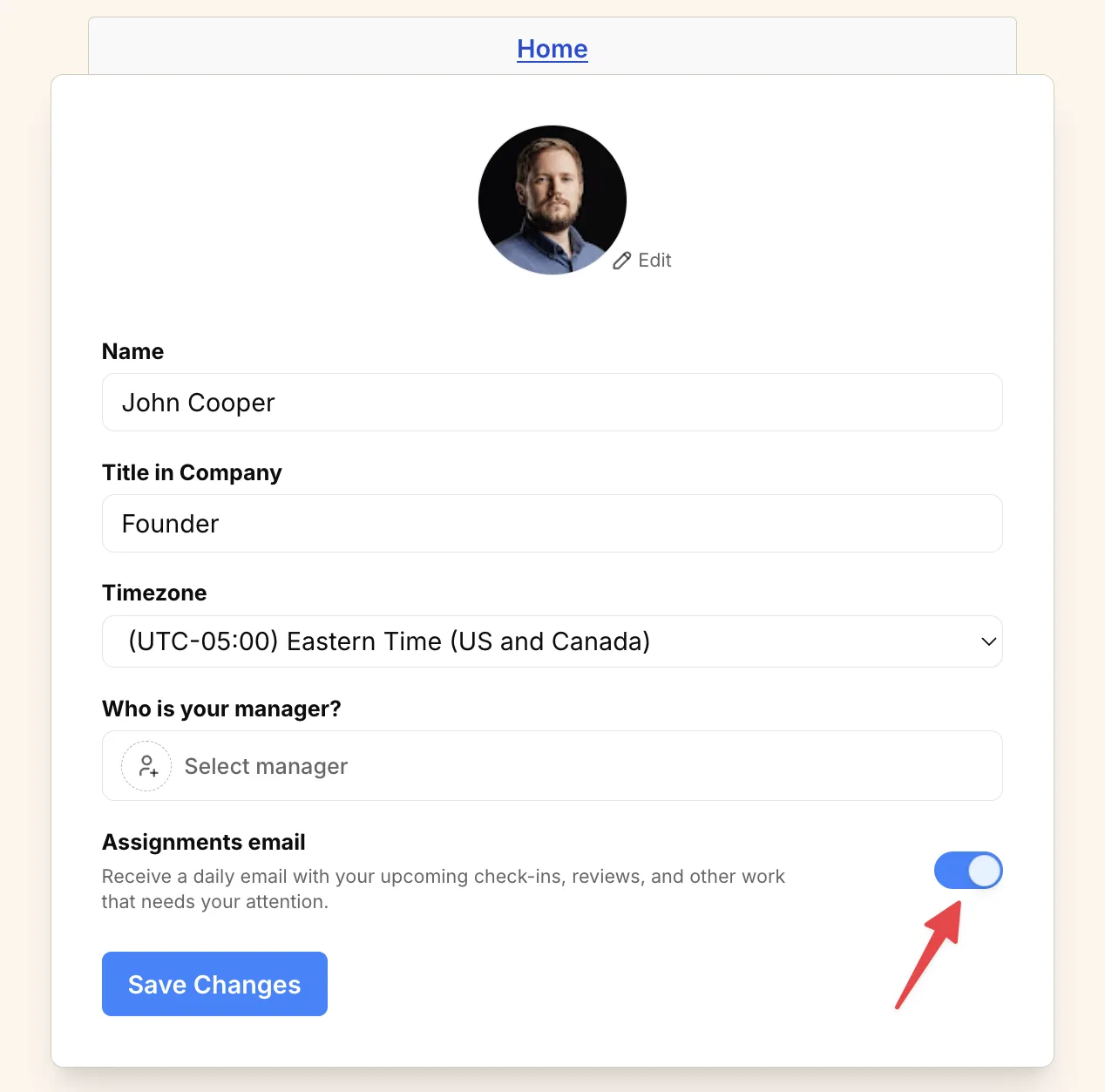
- Click Save Changes to apply your preference.