Operately v1.9
Project Templates, Full-Text Search, Document Version History, and more
Operately v1.9 is here. Recurring projects can start from a template. Search now looks inside documents and discussions, not just titles. And published docs keep a history you can compare and restore.
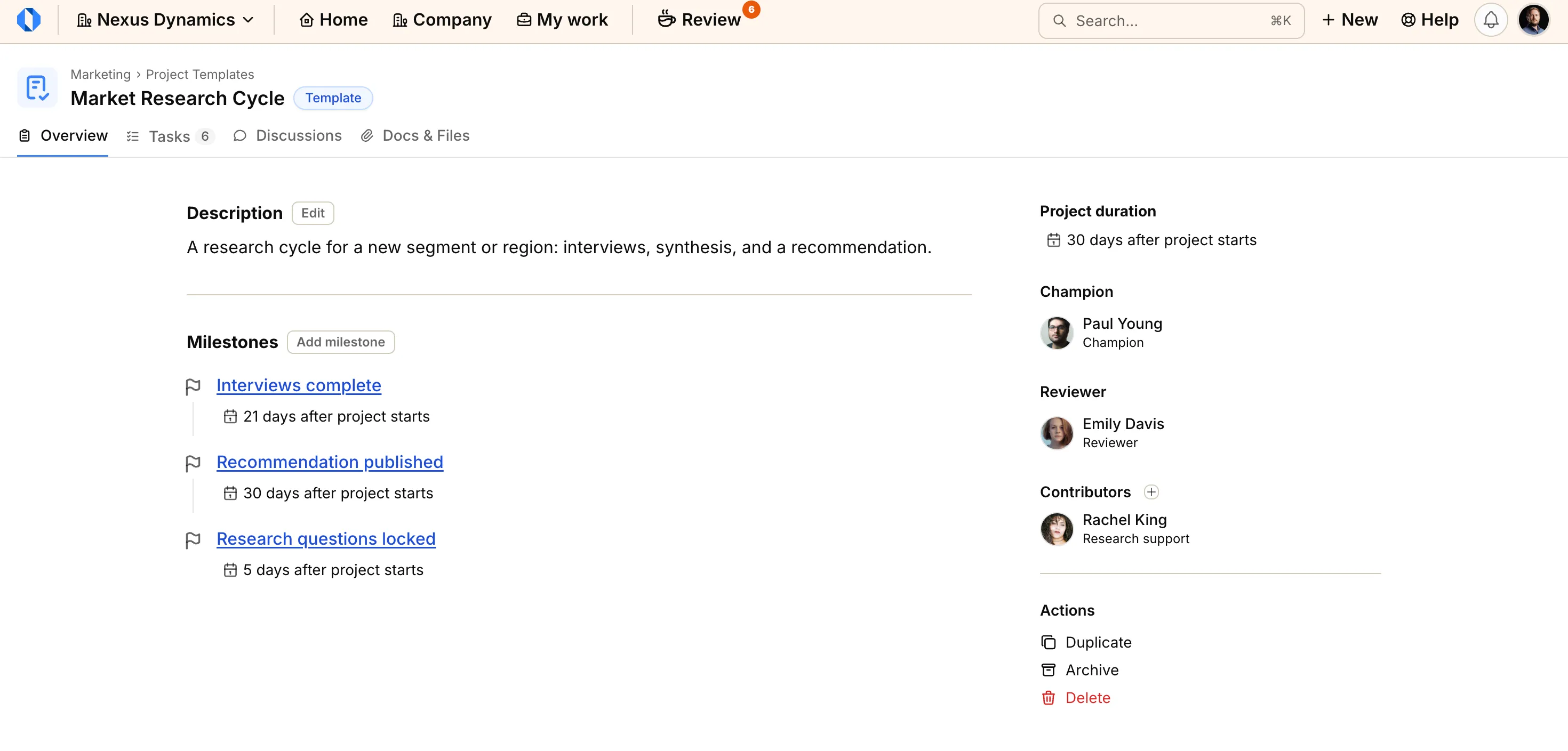
Project templates: Start recurring work from a proven structure#
If you run the same kind of project more than once, like a product launch, customer onboarding, or a hiring plan, you can save the structure as a template. Creating a project from it copies milestones, tasks, people, discussions, and Docs & Files into a new project that stands on its own.
You can also turn an existing project into a template. Later edits to the template do not change projects you already created from it.
See Project templates and Save a project as a template.
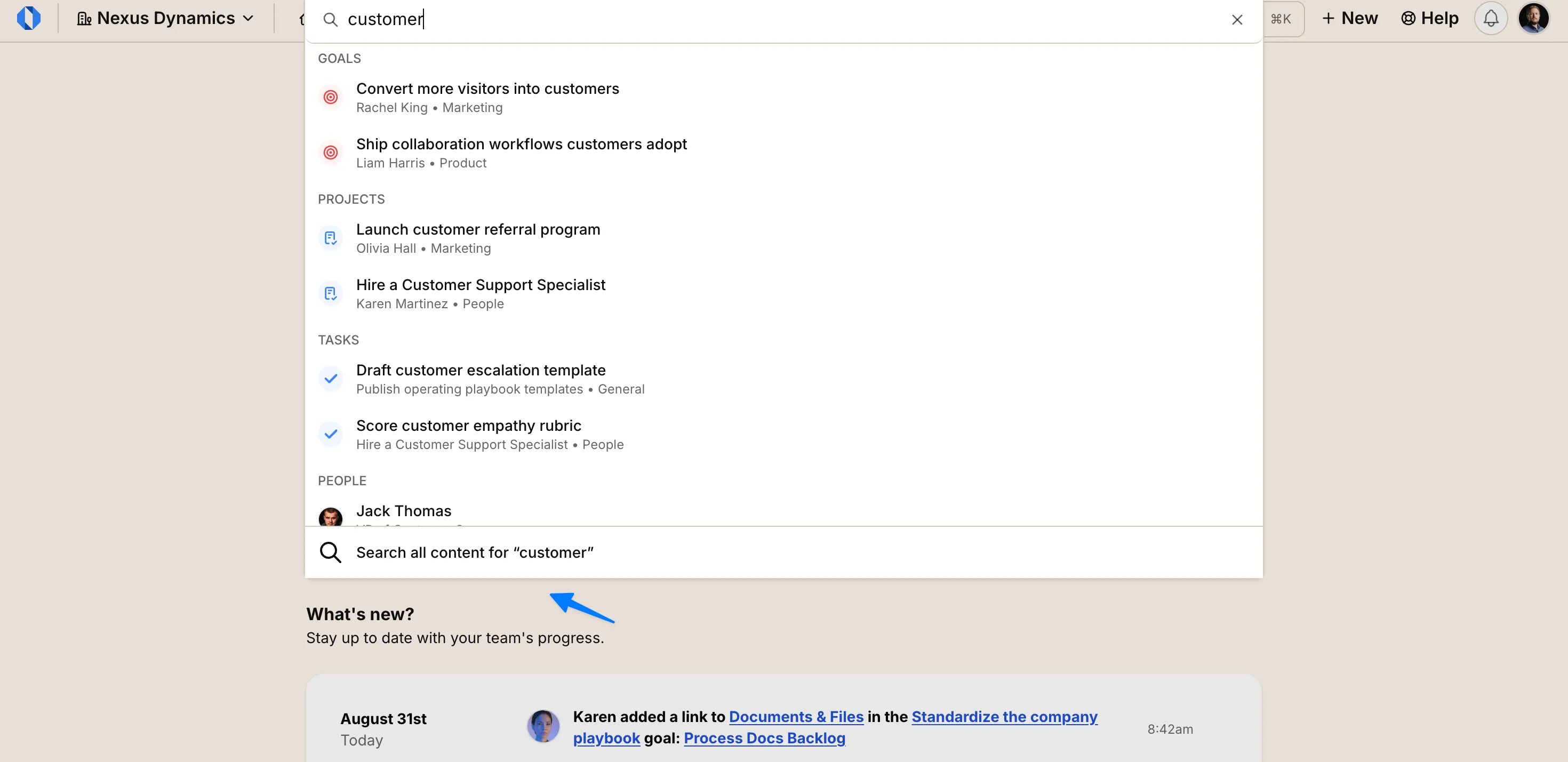
Full-text search: Find work by title and content#
Quick search now searches through Discussions and Docs & Files. When you need to look inside the content itself, a dedicated Search page looks through titles and content.
Search looks into closed, completed, archived, and paused work, so older decisions stay findable.
The full walkthrough is in Global Search.
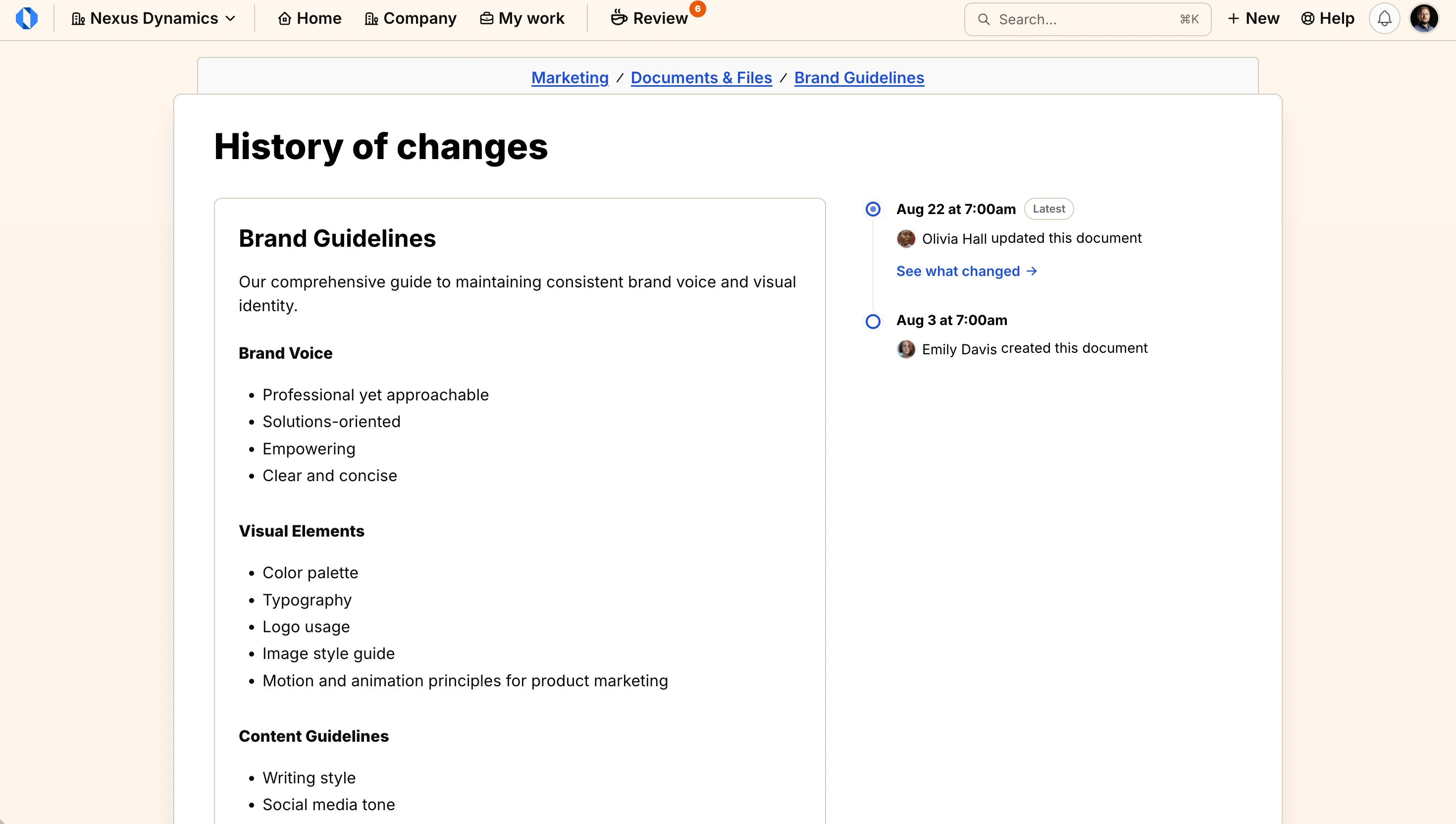
Document version history: Compare and restore published docs#
Published documents now keep a history of changes. You can open the history, compare two versions side by side, and restore an earlier one if you need to.
Restoring makes that version the current one. Older versions stay in the list, so nothing is lost.
Details are in View document version history.
Additional improvements#
This release includes a number of smaller improvements that make day-to-day work more reliable:
Shared List and Board view: If you can edit a project, your List or Board choice on the Tasks tab is saved for the team.
Contributors on Overview: Manage the project team from the Overview sidebar instead of separate pages.
Complete milestones with open tasks: When a milestone still has open tasks, choose what to do with them before completing the milestone.
Collapsed completed milestones: Completed milestones stay on the project Tasks view, collapsed by default.
Markdown shortcuts in the editor: Type familiar Markdown shortcuts for bold, italic, lists, code, links, and more while writing.
Assigned On in Your Tasks: On the Tasks tab in My work, see when each task was assigned to you.
Goal progress on Work Maps: Hover a goal’s progress bar to see Targets and Checklist.
Sign up for Operately#
Ready to experience Operately v1.9? Sign up for a free account and see how these new features can transform how your team works together.
Self-host in 5 minutes#
Prefer to use your own infrastructure? Follow our self-hosted installation guide to get Operately running on your servers in minutes.
If you are already running the self-hosted version, follow the update guide to upgrade to the latest release.
Join the Operately community#
Operately is open source and available under the Apache 2.0 license. Join our growing community of users and contributors:
- Star the repository on GitHub to show your support
- Join our Discord server to connect with the team and community
- Contribute by submitting bug reports, feature requests, or code on GitHub
- Share Operately with your network and help us grow
Special thanks to our contributors#
We’re grateful for everyone who has contributed to making Operately better. Your feedback, bug reports, feature suggestions, and code contributions help shape the product for the entire community. Thank you for being part of this journey with us.
Your contributions help make Operately better for everyone. Thank you!
— The Operately Team